DriverPack Solution
DriverPack Solution quick and auto-updating of drivers

Safe & Secure
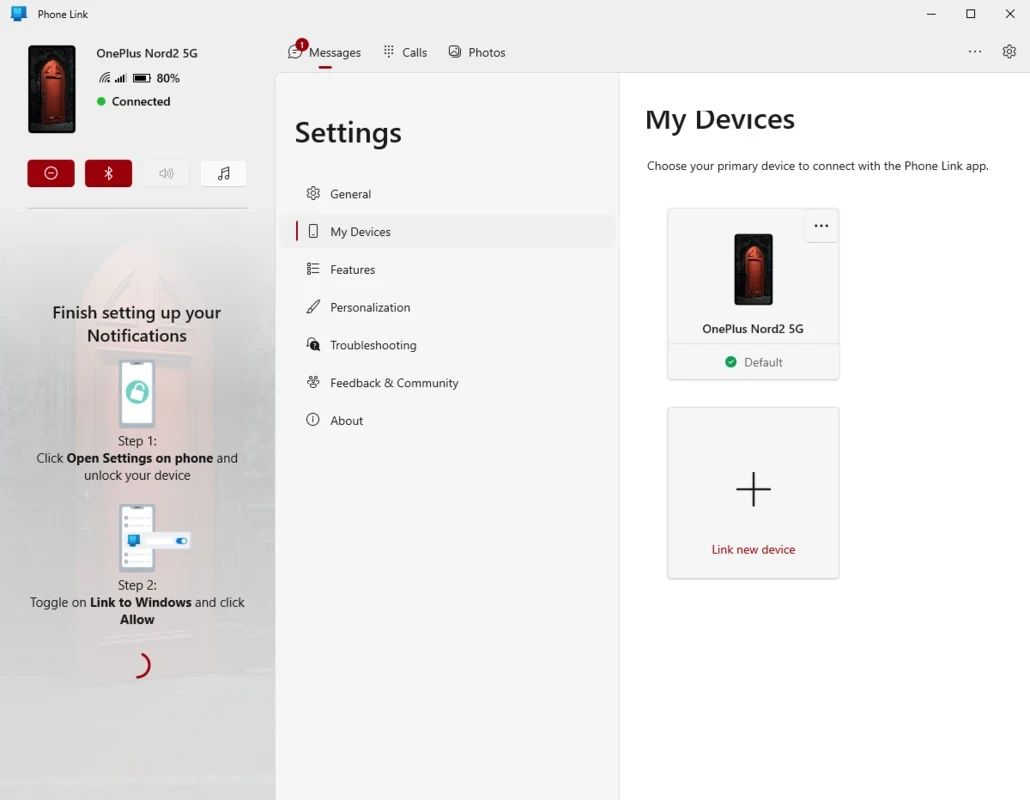
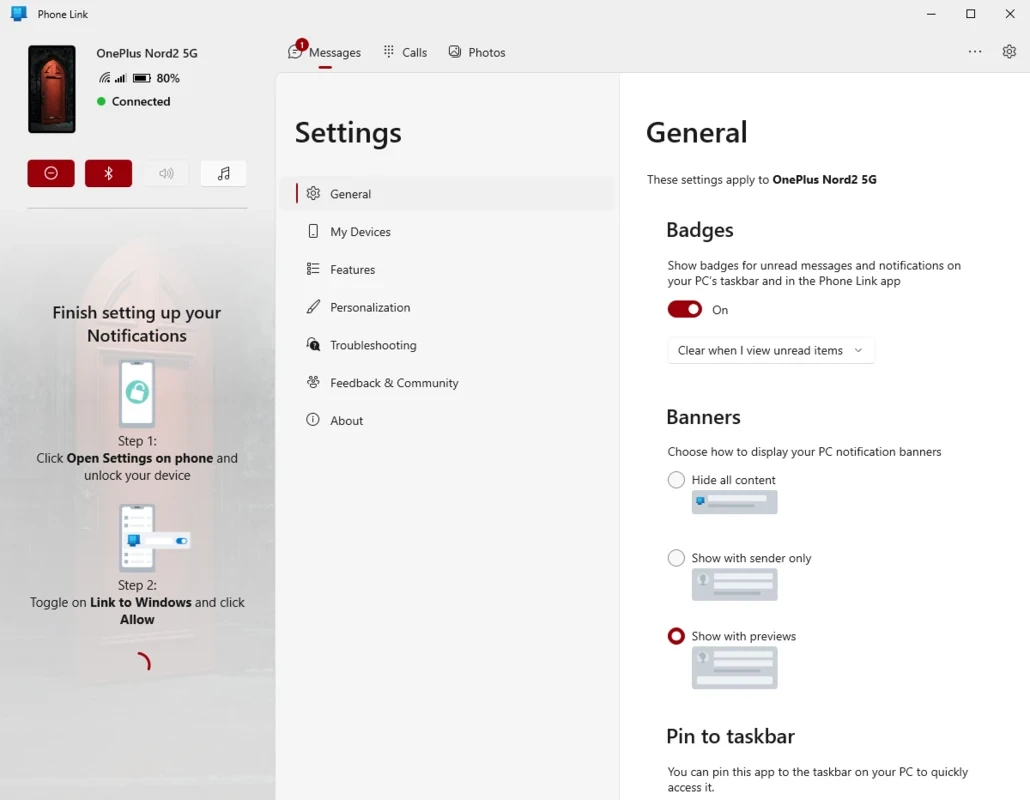
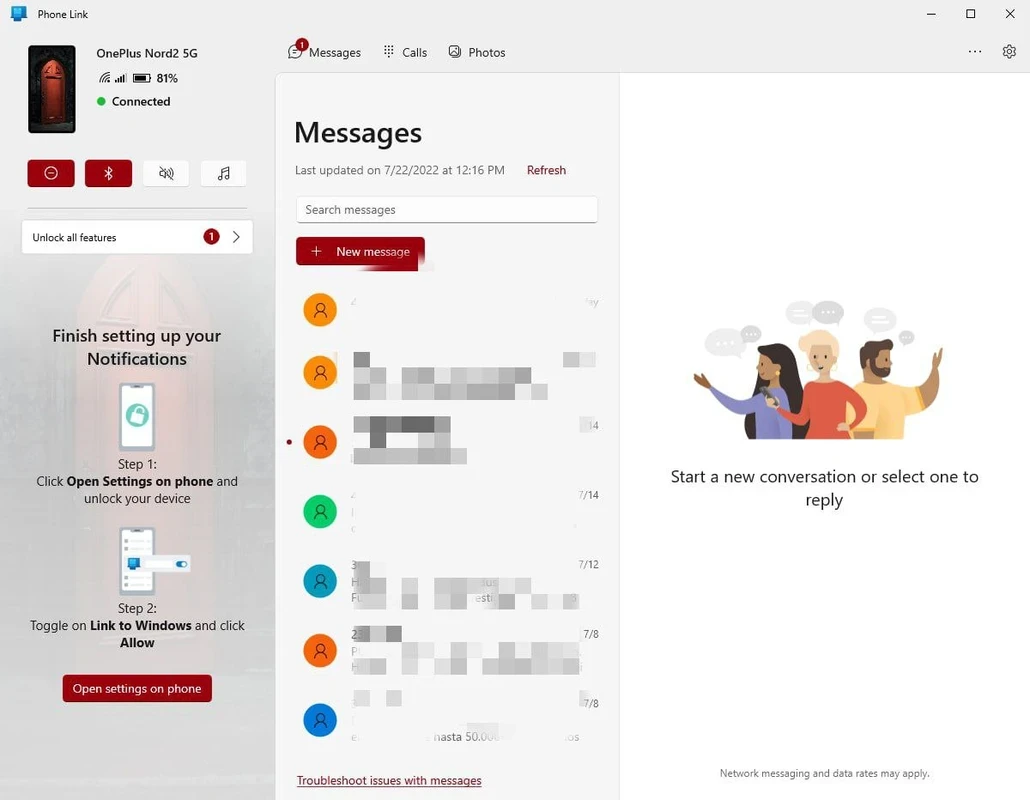
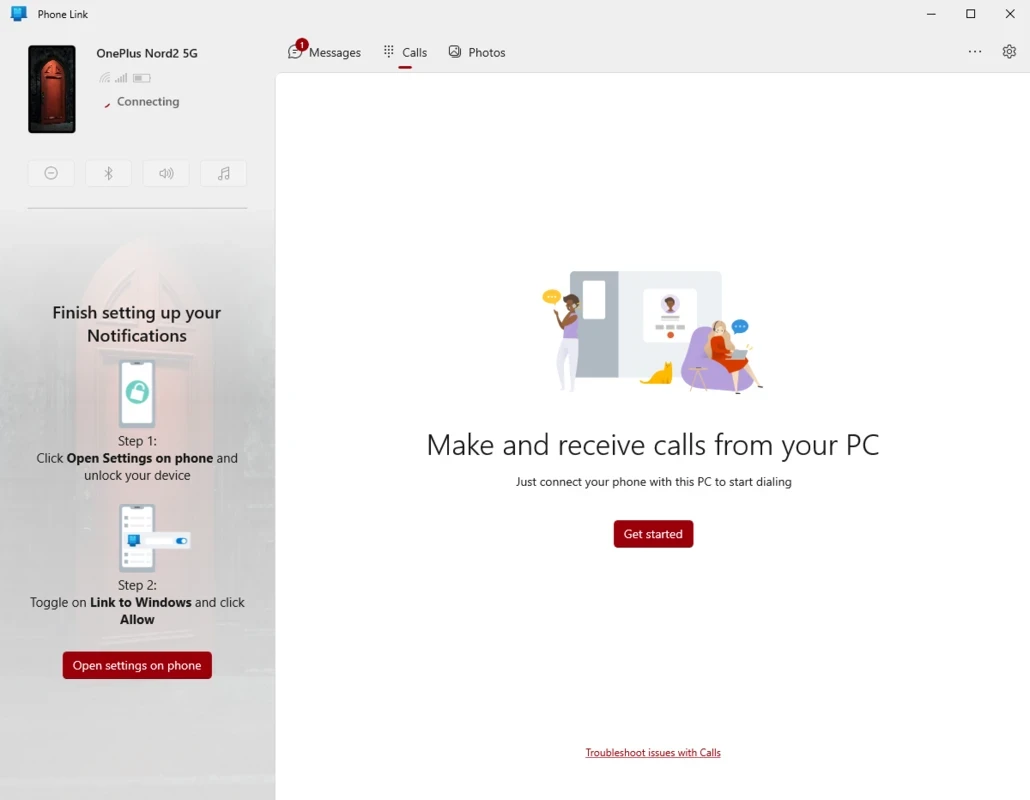
Phone Link to Windows is the official Microsoft MyApps for syncing smartphones with desktop computers, offering feature-rich Android smartphone management. It allows you to manage all of your data stored on your mobile phone, right from your PC, including applications, messages, and even calls. You have to install the app on both devices and use a QR code to link both devices.
You will capable of streamlining your everyday tasks, with a simple setup helps to sync all of your activities over wireless links. The multitasking app is integrated to multiple Android versions for the ease of users to manage their Android devices through their PCs.
Phone Link, developed by Microsoft Corporation, falls under the Desktop category and is freeware software, enabling users to connect Windows PCs with smartphones, regardless of whether it is an Android or iOS device. It was launched in 2022 as the successor to Your Phone, offering multiple changes within the interface.
The built-in utility offers a direct connection for mobile devices, enabling the users to handle overall data of mobile, including instant messages, phone calls, notifications, apps, and other data, reliably and easily, without opening the handset.
After you launch the app, you can establish the connection between your phone and PC by following the on-screen instructions. You also need to install a tool on your phone, as it helps to set up the connection through remote system features. It helps to get rid of the frustration of managing your multiple tasks on the big screen, that you find stumble while browsing on the phone. It offers an easy way of transferring your content from one device to another.
The user interface is clean, intuitive, and user-friendly on both types of operating systems: traditional displays and touchscreen panels, ensuring quick access to the content of your smartphones, such as status, notifications, messages, calls, and so on. You will find a tabbed interface on the main panel, quickly switching between multiple tabs, including Messages, Photos, Apps, and Calls panels with full transfer support.
You will find a complete streamlined workflow, as it unifies communication and hands off content in a unified window. It helps to avoid the frustration of using email or cable processes, instead supports cross-device copy and paste option, reusing the text or images. It offers seamless file sharing between devices with support for drag-and-drop file transfers.
The app, developed by Microsoft, offers seamless synchronization between smartphone and PC, allowing users to transfer photos to Office and other integrated apps through a drag-and-drop option. However, the big tech giant has claimed to offer more, but you will find a lack of multiple features. You can access your Android 7.0 phone through your Windows 11 computer by trying Phone Link without wasting your time on emailing or using other wired options.
The lightweight app, with a tiny size, doesn’t impact your device’s storage badly, instead offers breeze-like process, and requires basic permissions for setup. It makes your text messaging simple and fast with the help of keyboard typing, and streamlines content continuity, specifically for photos, to quickly reuse them in different scenarios, such as documents, chats, slides, and so on. The availability of manageable controls helps to sync the content as you want, set notifications, and minimize noise.
No doubt, the app doesn’t have full advanced functionality for all types of Android devices. However, it offers advanced mechanics for a few selected phones. So, you can avail screen mirroring and launch apps from the desktop. iPhone support is limited to calling and individual texting, and the app also has some concerns for group conversations and rich media sharing. This is useful for various tasks that don’t have a native desktop option, such as authentication, one-time codes, and utilities.
No doubt, the app offers awesome services in different scenarios, ensuring fast and secure synchronization between handset and desktop. It doesn’t demand any new capability, instead offers streamline workflow, offering strong essentials, flexible controls, and optional advanced mechanics. You can navigate to other better alternatives to find more optimized functionality.
Pros
Cons

DriverPack Solution quick and auto-updating of drivers
DirectX 12 launched by Microsoft very effectively controls the games.

DirectX 11 perform multiple tasks about games, and multimedia programs.

DirectX 10 is increasing the quality of audio and video of ATI and NVIDIA cards.
DirectX 9.0c run and display multimedia apps, audio, 2D, and 3D

3uTools offers jailbreaking and flashing features for your iOS devices.